

Ready to play? The Koalabear33 login only takes a few seconds, whether you’re on a desktop, your phone or the Koalabear33 app. This guide walks you through each step, shows you how to enter your mobile number correctly, and explains what to do if you can’t get in.
Already know the drill? Head straight to the login page below.
The most common reason a Koalabear33 login fails is the mobile number format. If you signed up with your phone number, enter it with the Australian country code 61 and without the first 0.
| You might type | Enter this instead |
|---|---|
| 0480 050 689 | 61480050689 |
| +61 480 050 689 | 61480050689 |
No spaces, no plus sign, no leading zero. Just 61 followed by the rest of your number. If you signed up with a username instead, enter it exactly as you created it.
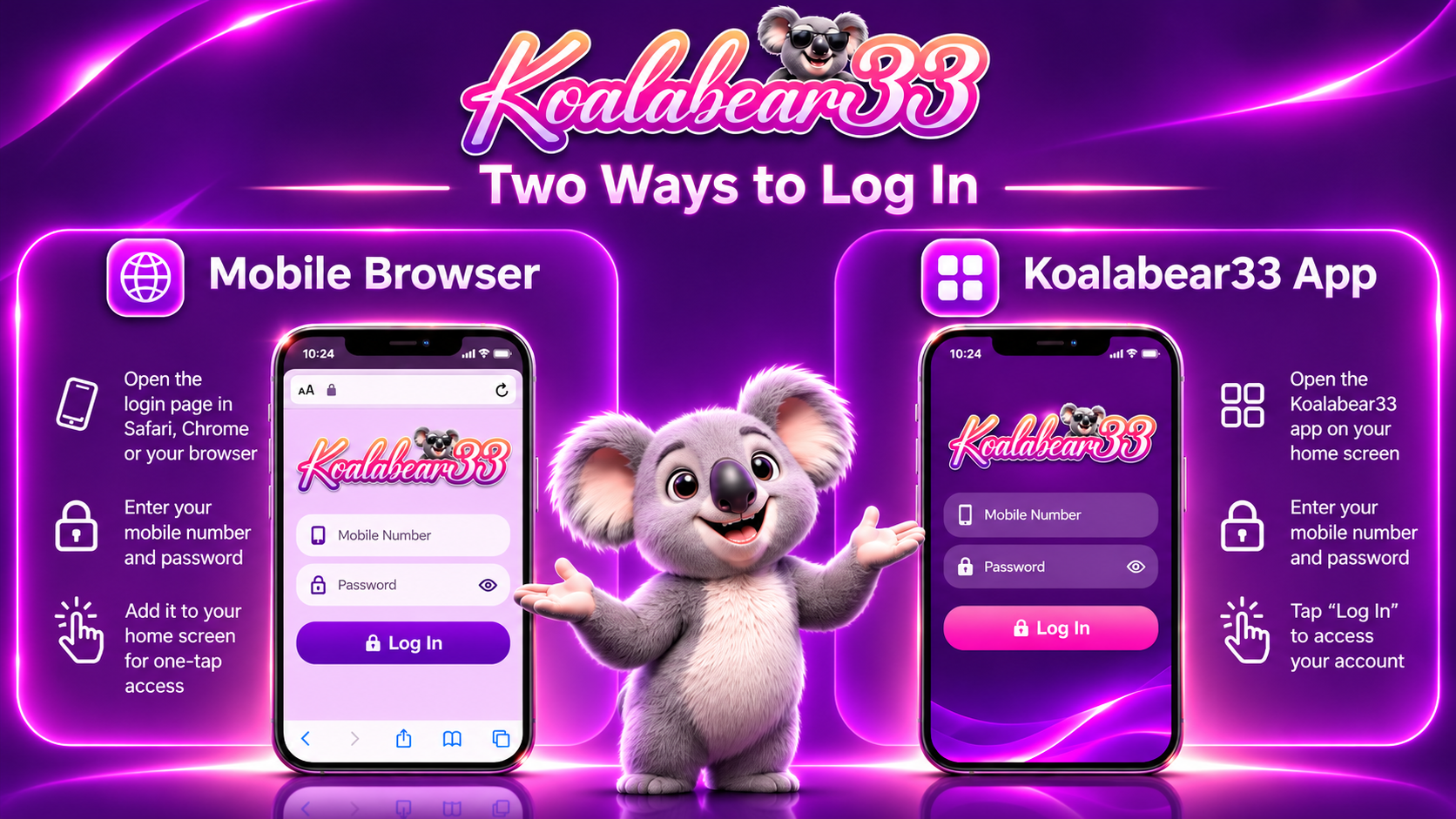
Open the Koalabear33 login page in Safari, Chrome or your usual browser and log in the same way as on desktop. The site adjusts to your screen, so everything works just as well on a phone. Add it to your home screen for one-tap access.
If you’ve installed the Koalabear33 app, just open it and enter your mobile number and password. Having the app on your home screen means you’re always one tap away from your account. Logging in through the app for the first time also unlocks the $77 Download App Bonus. See our Koalabear33 promotions for the full terms.
It happens to everyone. The quickest way to get back in is to contact our support team through live chat, which you’ll find in the bottom menu of the Koalabear33 site and app, available 24/7.
To help us reset your password quickly and safely:
Our team will never ask for your current password, only enough detail to confirm the account is yours.
| Problem | What to try |
|---|---|
| “Invalid mobile number” | Enter your number as 61 followed by the rest of your number, with no spaces, + or leading 0 |
| “Wrong password” | Check Caps Lock is off. Passwords are case-sensitive. Still stuck? Contact live chat |
| Page won’t load | Refresh, clear your browser cache, or try another browser or the app |
| Logged out unexpectedly | You may have cleared your cookies or used another device. Just log in again and tick “Keep Me Logged In” |
| Account locked or paused | Your account may be on a cool-off or self-exclusion period. Contact live chat for details |
| Still can’t log in | Message our support team through live chat or Telegram. We’re available 24/7 |
If you’ve asked for a break from gambling, your account will stay locked until that period ends. That’s there to protect you. You can read more on our responsible gambling page.
Your login protects your balance and personal details, so keep it safe:
Once you’re in, here’s what’s waiting:
Set your budget before you start, and keep it fun.
Claim your rewards: check in daily, spin the Fortune Wheel and see which free credits you’re eligible for.
Explore the games: jump into Koalabear33 pokies or take a seat at the Koalabear33 live casino.
Check your offers: active bonuses, rebates and your VIP rank are all in your account.
Deposit or withdraw: use PayID or crypto in AUD. The minimum deposit is AUD 10, and the minimum withdrawal is AUD 50.
If you don’t have an account yet, you’ll need to register before you can log in. Signing up only takes a few minutes. You’ll just need your mobile number and a password, and you can claim the New Member Bonus once you’re in. Find out more about Koalabear33 Australia before you join.
Go to the official Koalabear33 login page or open the app, enter your mobile number (starting with 61) or username, enter your password and tap Login.
Enter it with the Australian country code 61 and without the first 0. For example, 0480 050 689 becomes 61480050689.
Contact our support team through live chat, available 24/7. They’ll confirm your identity and help you reset it.
Yes. Tick “Keep Me Logged In” when you sign in. Only do this on your own device, never on a shared one.
The most common causes are an incorrect mobile number format, a wrong password, or an account that’s on a cool-off or self-exclusion period. If you’re still stuck, contact our support team.